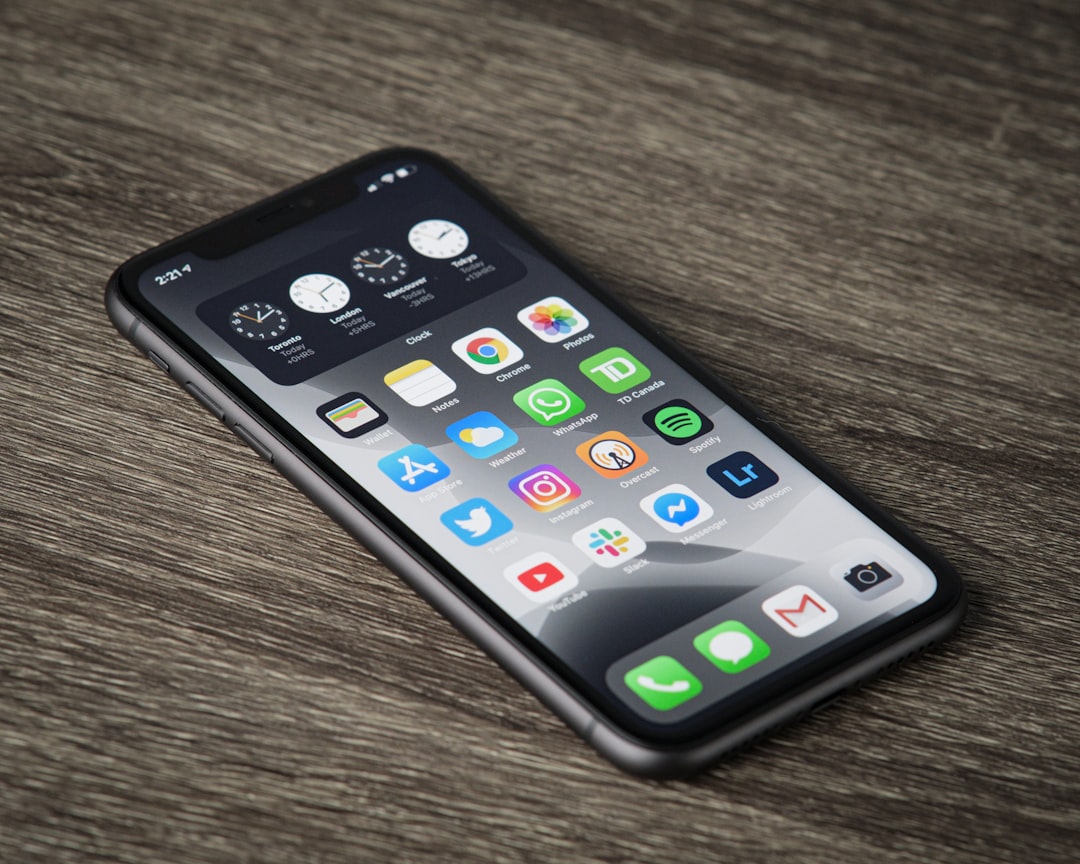
Discover My Top 7 Favorite Features in iOS 27
With the launch of iOS 27, Apple has introduced a wealth of innovative features designed to rejuvenate even the oldest iPhone models, making them feel brand new. In this post, I’ll share my top seven favorite features of iOS 27, highlighting how they boost productivity, improve accessibility, and enhance the overall user experience.
1. Revamped Siri AI
The newly enhanced Siri AI in iOS 27 offers improved conversational capabilities. The dedicated Siri app now enables threaded conversations, making it easier for users to follow up on previous requests and engage in more contextual interactions. Whether you want to set reminders, find information in messages, or browse emails, Siri makes it all seamless.
Highlights of the New Siri AI:
- Contextual Awareness: Siri remembers previous interactions to provide more relevant responses.
- Cross-Device Sync: Access your Siri history across all Apple devices for a unified experience.
- File Management: Share files and manage tasks directly through Siri with ease.
2. Advanced Photo Editing Tools
The photo editing tools in iOS 27 have been significantly enhanced, with the Clean Up tool now featuring three distinct modes: Fast, High Quality, and Auto. This flexibility allows users to choose the level of complexity required for their edits, enabling professional-quality results right from their device.
Photo Editing Modes Explained:
| Mode | Description |
|---|---|
| Fast | Quick touch-ups using on-device AI models. |
| High Quality | Complex retouching utilizing cloud models for superior results. |
| Auto | Device-chosen mode based on context for optimal editing. |
3. Visual Intelligence for Effortless Bill Splitting
iOS 27 introduces Visual Intelligence, a game-changer for splitting bills among friends. Simply take a photo of a receipt, and Visual Intelligence will calculate how much each person owes, including tax and tips. This feature integrates smoothly with Apple Cash for easy payment transfers.
Using Visual Intelligence is Simple:
- Open the Camera app.
- Tap the Visual Intelligence icon.
- Take a photo of the receipt to view itemized splits.

4. Custom Wallet Passes
Creating custom Wallet passes is now a breeze. Users can effortlessly add membership cards, coupons, and event tickets directly to Apple Wallet, minimizing the need for physical cards. This not only declutters your wallet but also streamlines the process of making payments or checking in at events.
Advantages of Custom Wallet Passes:
- Reduced Clutter: Eliminate bulky wallets filled with unnecessary cards.
- Convenience: Quickly access important passes from your iPhone.
5. Separate Alarm Volume Control
iOS 27 now allows users to set a distinct volume level for alarms, separate from general media volume. This feature is particularly useful for those who wish to wake up gently without being jolted awake by loud media sounds.
Setting Separate Alarm Volume is Easy:
- Go to Settings > Sounds & Haptics.
- Adjust the Alarm Volume slider independently from other sound settings.
6. Liquid Glass Customization
The new Liquid Glass design language in iOS 27 enhances readability and aesthetic customization. Users can adjust the opacity of menus and notifications using a continuous slider, allowing for a personalized interface that reflects their style.
Customization Options Available:
| Setting | Description |
|---|---|
| Opacity Slider | Adjust transparency for menus and banners to suit your preference. |
| High Contrast | Maximize readability for text with enhanced contrast settings. |
7. Siri’s Bill Splitting Feature
In addition to the Visual Intelligence feature for receipts, Siri now aids in splitting bills using Apple Cash. Simply ask Siri to “split the bill,” and streamline the payment process with friends, making dining out or enjoying group activities easier than ever.
How to Split Bills with Siri:
- Activate Siri and say, “Split the bill.”
- Follow Siri’s prompts to complete the transaction via Apple Cash.
Conclusion
iOS 27 is packed with features that significantly enhance the user experience, from a smarter Siri AI to advanced photo editing tools. These innovations not only refresh existing iPhones but also provide practical solutions for everyday tasks. Whether you own an iPhone 11 or the latest iPhone 15 Pro, these features are sure to elevate your mobile experience.
Key Takeaways:
- The new Siri AI offers contextual awareness and improved conversation management.
- Enhanced photo editing tools provide versatile options for users.
- Visual Intelligence simplifies bill splitting with ease.
- Custom Wallet passes help reduce physical clutter.
- Separate alarm volume control ensures a smoother waking experience.
- Liquid Glass customization enhances aesthetic appeal and readability.
As we explore the capabilities of iOS 27, it’s evident that Apple continues to innovate and enhance the iPhone experience, making it a compelling update for all users.